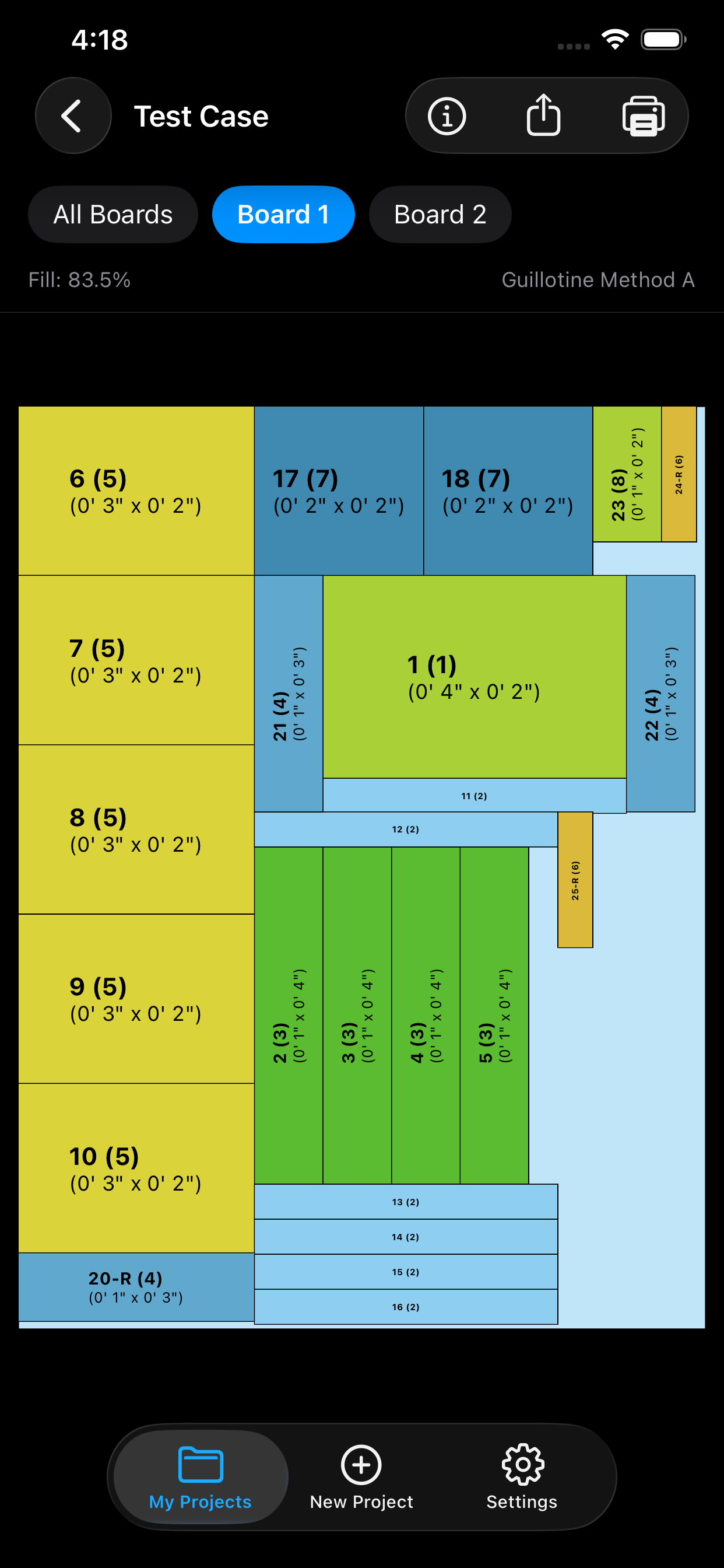
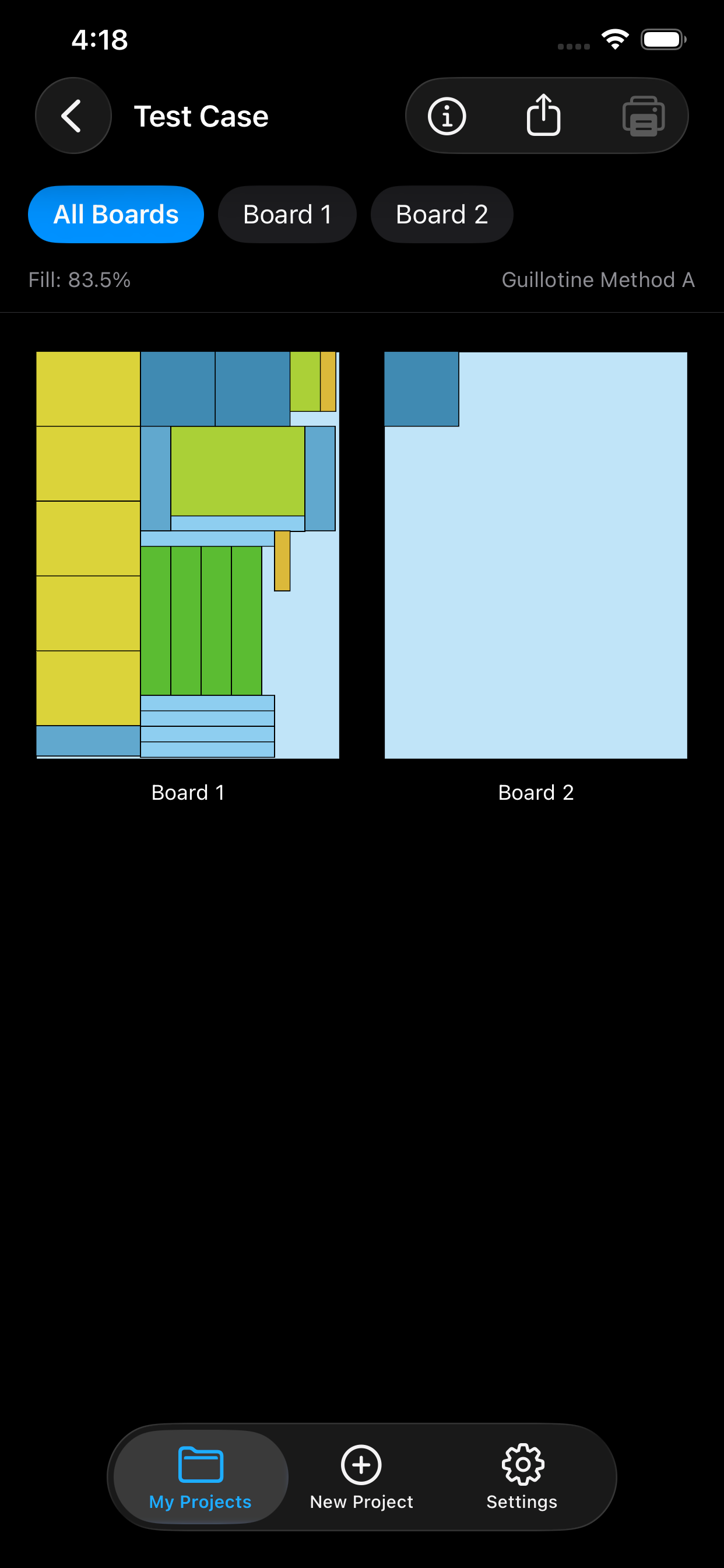
iOptiCut calculates the most efficient way to cut your boards, sheets, and panels. Less waste, fewer boards, more savings.
Professional-grade optimization tools designed for real workshops.
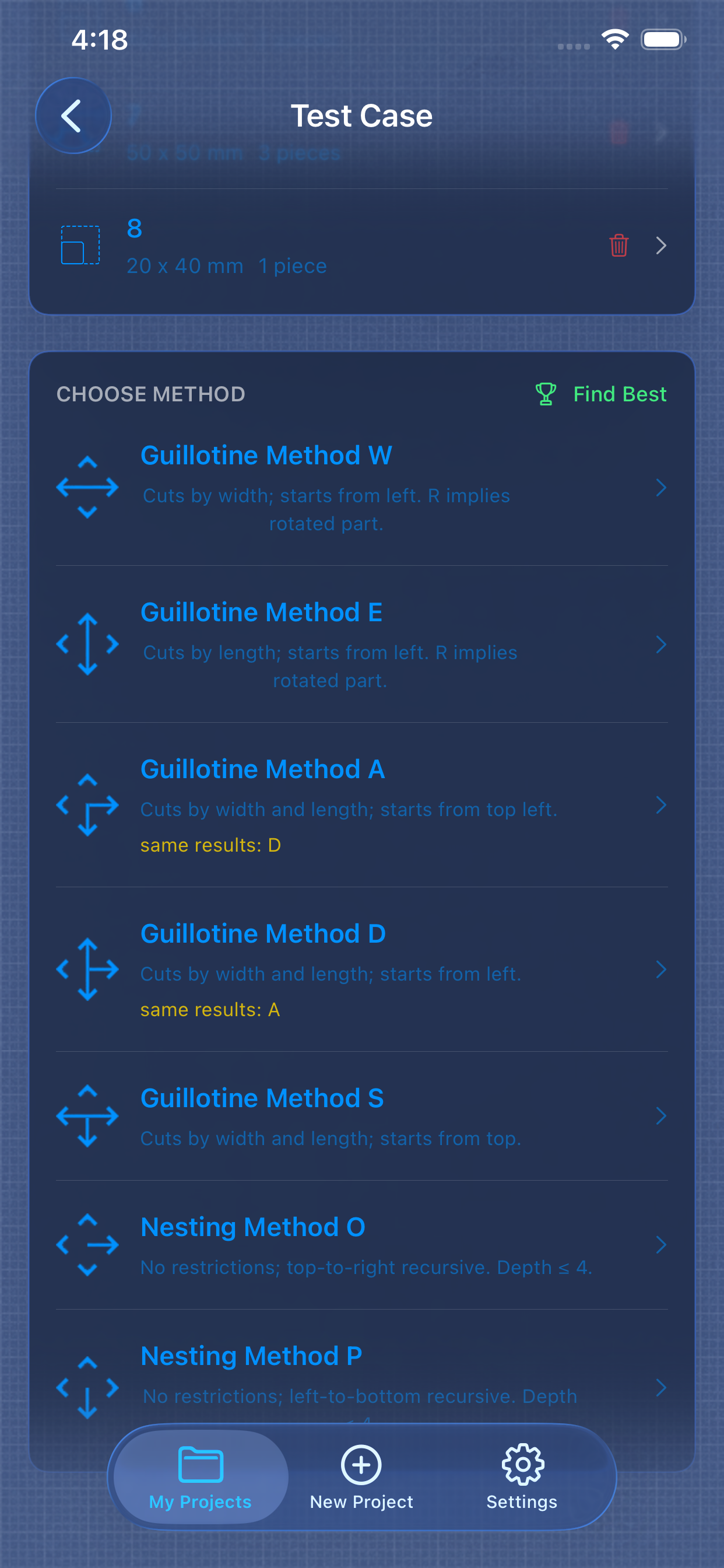
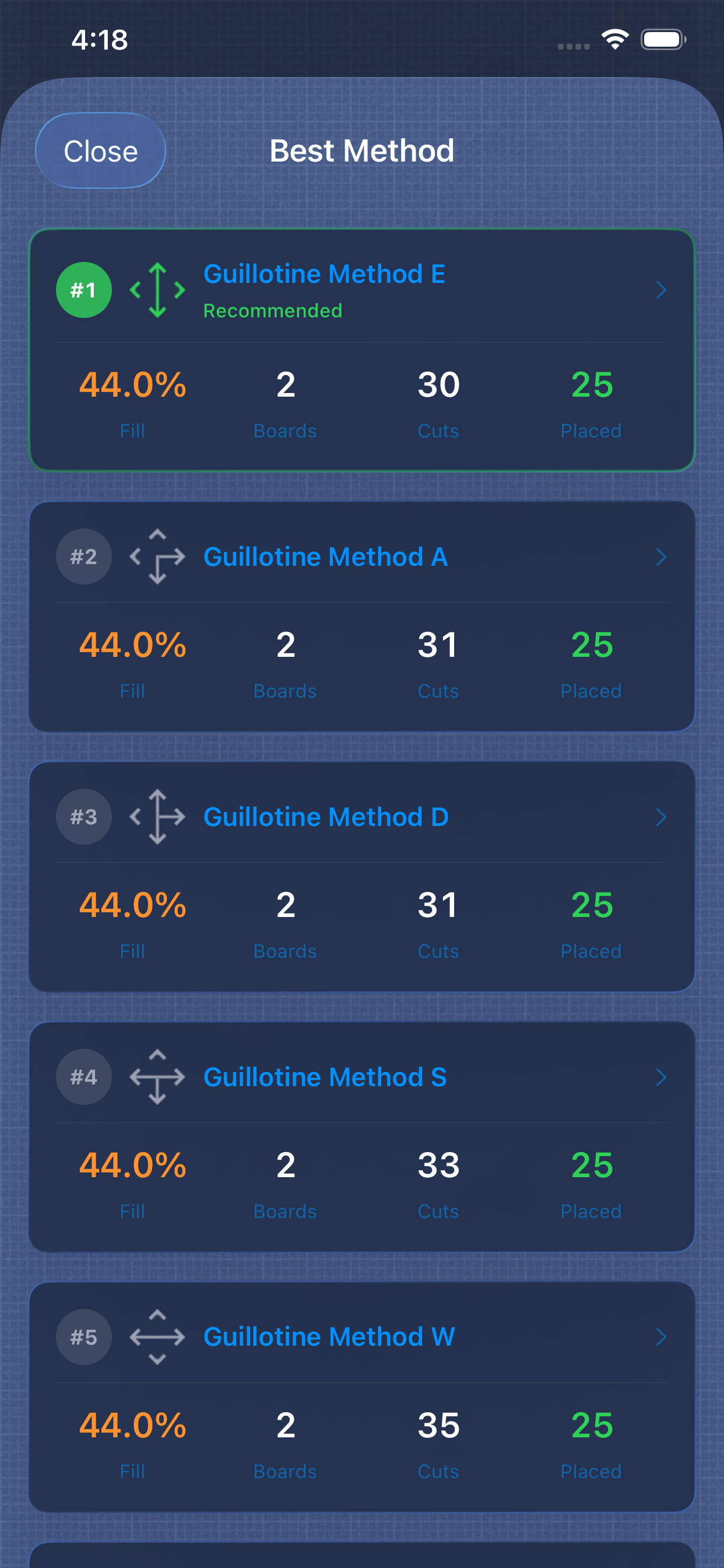
5 guillotine methods and 2 nesting methods. Run all 7 at once with "Find Best" to pick the optimal layout automatically.
Set grain direction per part — horizontal, vertical, or any. The optimizer respects wood grain so your finished pieces look right.
Specify banding per edge of each part. Get total lengths and a shopping list in your export — no manual counting.
Step-by-step cutting guide. One cut at a time with large dimensions and the current part highlighted on the board.
Cutting diagrams, cut lists, part labels, and client proposals with cost breakdowns. Share or print directly from your phone.
Board costs, edge banding costs, labor markup, and currency support. Know your project cost before you buy materials.
Built-in presets for common materials plus your own custom entries. Save time on repeat projects.
Save leftover boards and offcuts. The optimizer uses your inventory first, so nothing goes to waste.
Paste or pick a CSV file to import parts in bulk. Preview before adding. Download a template to get started fast.
Three steps. No internet required. Works right on your phone.
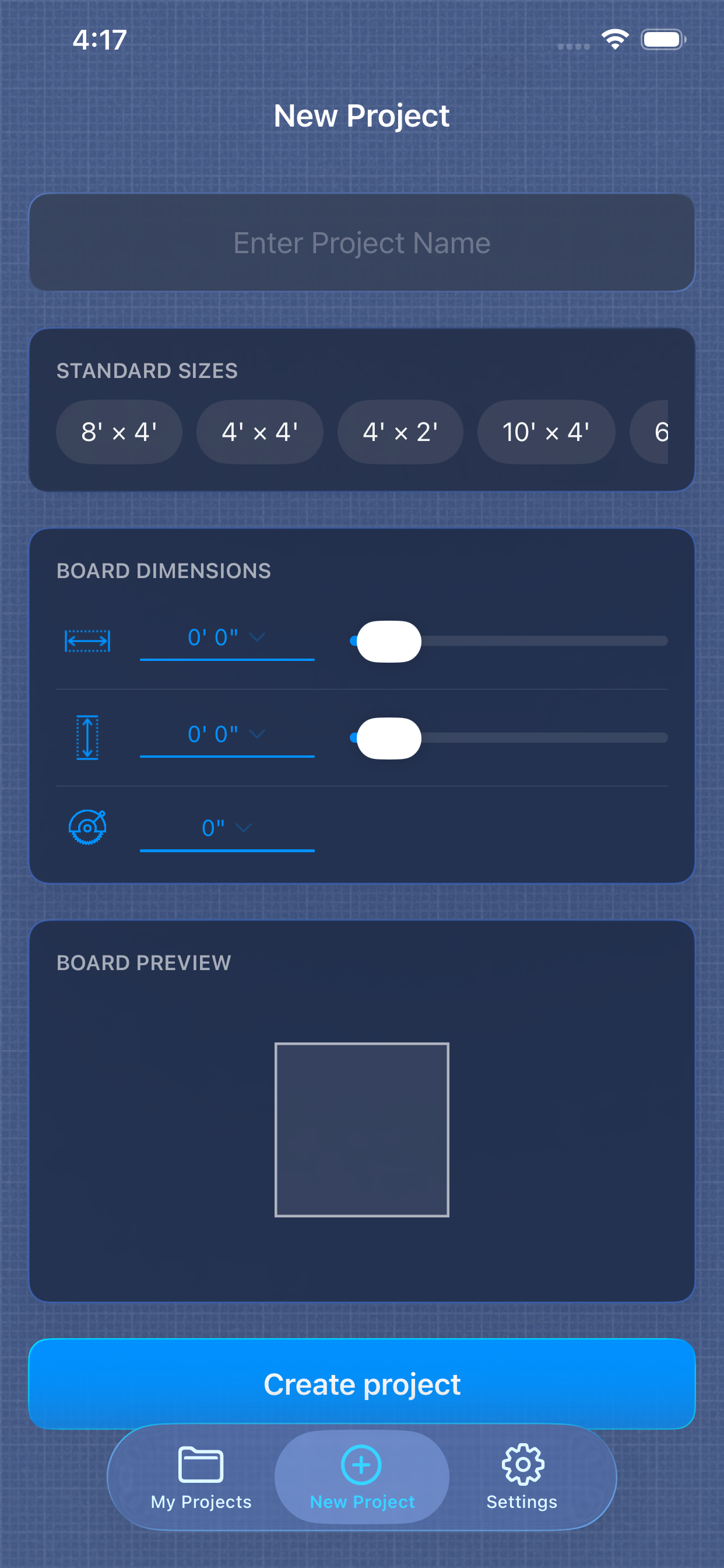
Enter board dimensions or pick a standard size. Set blade kerf for accurate cuts. Metric or imperial — your choice.
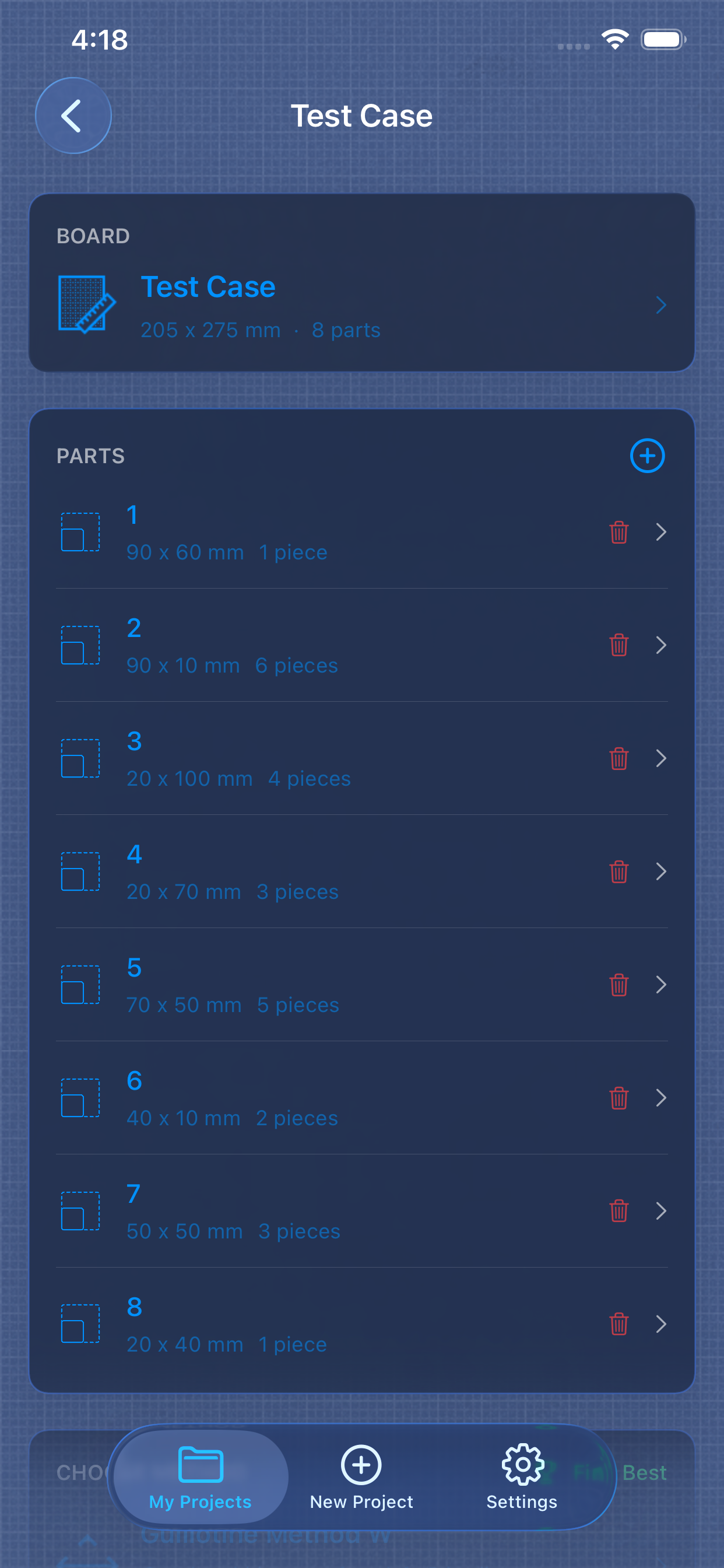
Enter parts manually, import from CSV, or use the AI assistant. Set quantities, grain direction, and edge banding per part.
Run all 7 algorithms at once. View the cutting plan, export a PDF, or follow along in Workshop Mode at the saw.
If you cut rectangular pieces from larger sheets, iOptiCut saves you money.
Plywood, MDF, particle board for cabinets, shelving, and furniture.
Optimize sheet glass for windows, mirrors, display cases, and partitions.
Sheet metal, aluminum panels, and steel plates for industrial use.
Minimize waste when tiling bathrooms, kitchens, and floors.
Home renovation, garage builds, custom furniture — save materials and money.
Download iOptiCut and start optimizing your next project today. Free to try.
Download on the App Store